
Compared to traditional translation, using AI as a translation channel offers significant advantages. OpenAI ChatGPT, Gemini, and Claude perform excellently in translation quality, but they require a VPN, and payment often needs a foreign credit card, resulting in a high barrier to entry that is not very friendly for domestic users.
Fortunately, domestic AI technology is also developing rapidly. The API interfaces of these domestic AI services are fully compatible with the OpenAI SDK, which means you can seamlessly replace OpenAI without modifying any code. Examples include Deepseek, Alibaba Bailian, Zhipu AI, Baichuan Intelligence, Silicon Flow, etc.
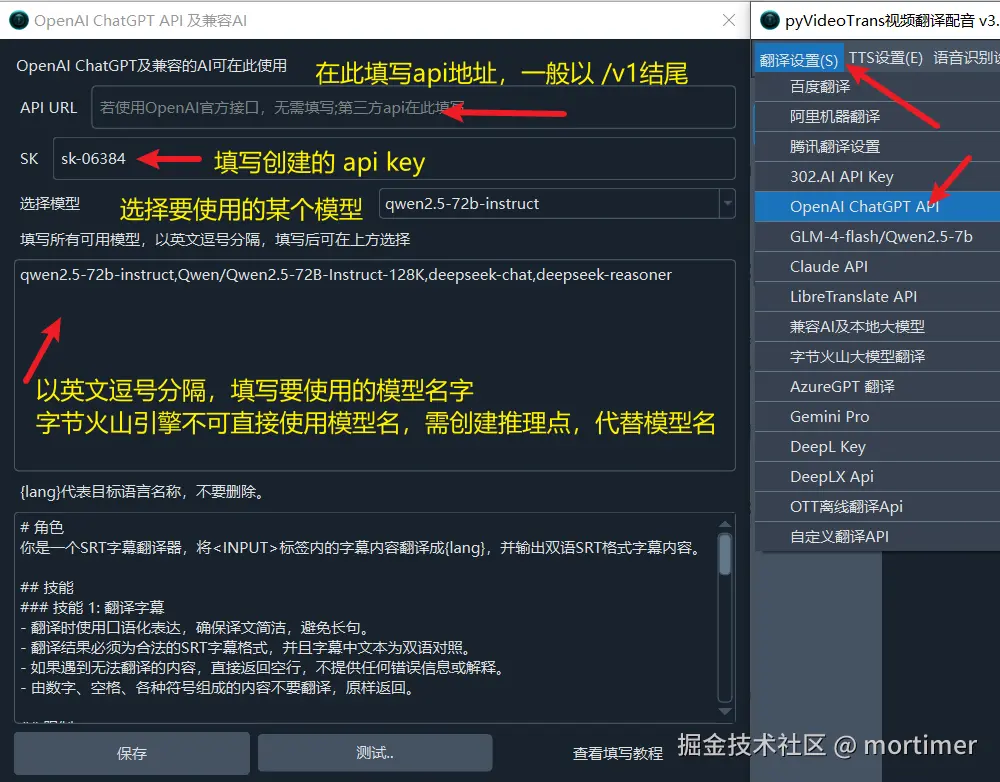
You only need to fill in these three key pieces of information—API URL, SK (API Key), and Model Name—into the software's Menu -> Translation Settings -> OpenAI ChatGPT API to start using it immediately.
No complicated configuration is needed; even complete beginners can get started easily!
Deepseek
This is Deepseek's official API service, though it has been unstable recently.
 Official Website: https://www.deepseek.com
API KEY (SK) Acquisition Address: https://platform.deepseek.com/api_keys
API URL: https://api.deepseek.com/v1
Available Models: deepseek-chat (i.e., the v3 model), deepseek-reasoner (i.e., the R1 reasoning model)
Zhipu AI
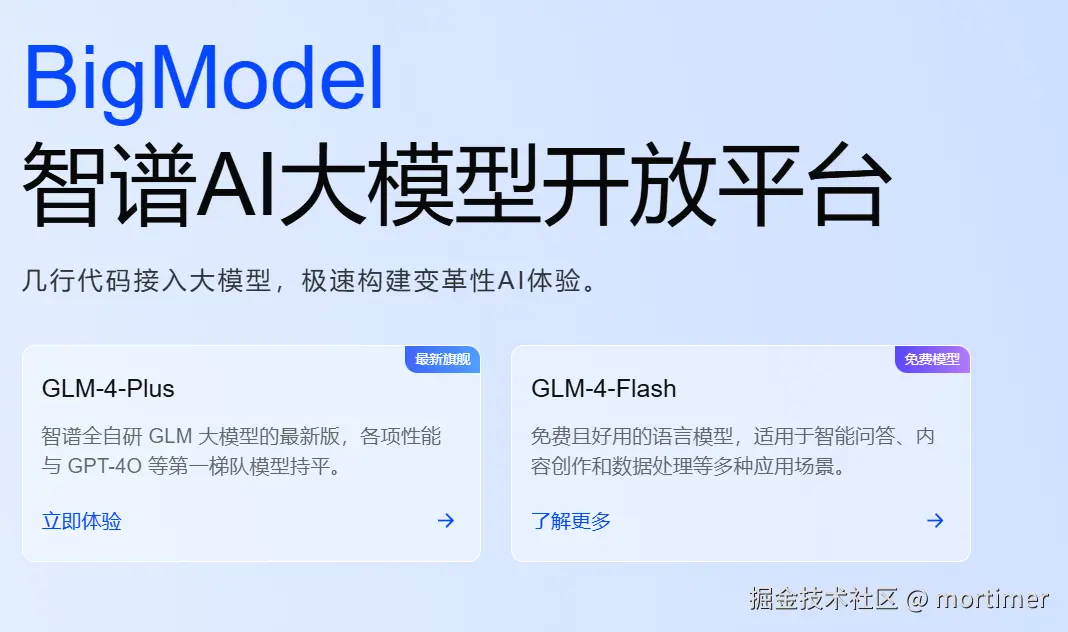
Official Website: https://bigmodel.cn
API KEY (SK) Acquisition Address: https://bigmodel.cn/usercenter/proj-mgmt/apikeys
API URL: https://open.bigmodel.cn/api/paas/v4
Available Models: glm-4-plus, glm-4-air, glm-4-air-0111, glm-4-airx, glm-4-long, glm-4-flashx, glm-4-flash
Note: glm-4-flash is a free model with no cost. Other models are paid and require a balance in the account.
Baichuan Intelligence
Official Website: https://www.baichuan-ai.com
API KEY (SK) Acquisition Address: https://platform.baichuan-ai.com/console/apikey
API URL: https://api.baichuan-ai.com/v1
Available Models: Baichuan4-Turbo, Baichuan4-Air, Baichuan4, Baichuan3-Turbo, Baichuan3-Turbo-128k, Baichuan2-Turbo
Moonshot AI (Kimi)
Official Website: https://www.moonshot.cn
API KEY (SK) Acquisition Address: https://platform.moonshot.cn/console/api-keys
API URL: https://api.moonshot.cn/v1
Available Models: moonshot-v1-8k, moonshot-v1-32k, moonshot-v1-128k
01.AI
Official Website: https://lingyiwanwu.com
API KEY Acquisition Address: https://platform.lingyiwanwu.com/apikeys
API URL: https://api.lingyiwanwu.com/v1
Available Models: yi-lightning
Alibaba Bailian
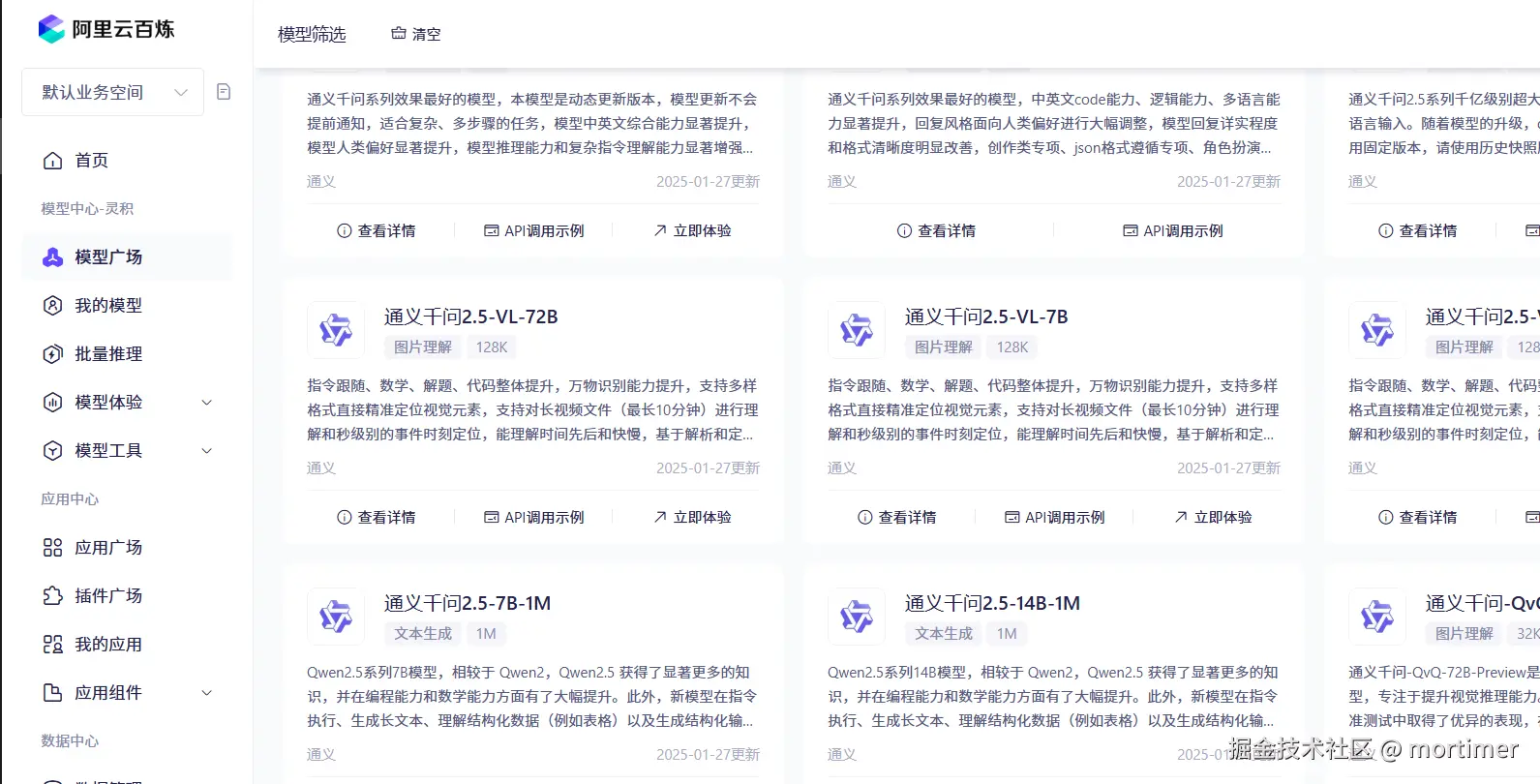
Alibaba Bailian is an AI model marketplace, offering all Alibaba ecosystem models and models from other providers, including Deepseek-r1.
Official Website: https://bailian.console.aliyun.com
API KEY (SK) Acquisition Address: https://bailian.console.aliyun.com/?apiKey=1#/api-key
API URL: https://dashscope.aliyuncs.com/compatible-mode/v1
Available Models: Numerous. Check details at https://bailian.console.aliyun.com/#/model-market
Silicon Flow
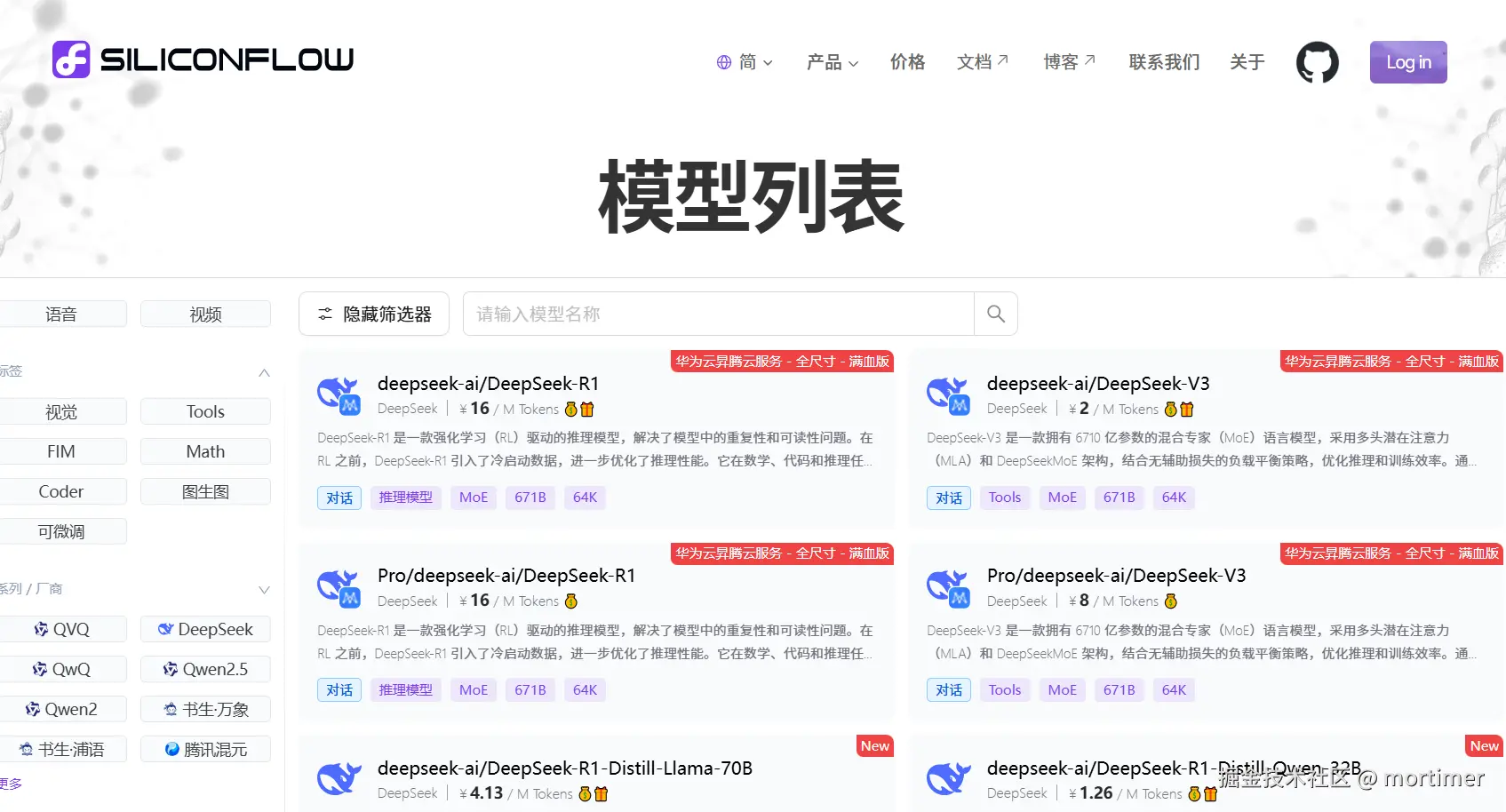
Another AI marketplace similar to Alibaba Bailian, offering mainstream domestic models, including deepseek-r1.
Official Website: https://siliconflow.cn
API KEY (SK) Acquisition Address: https://cloud.siliconflow.cn/account/ak
API URL: https://api.siliconflow.cn/v1
Available Models: Numerous. Check details at https://cloud.siliconflow.cn/models?types=chat
Note: Silicon Flow provides the Qwen/Qwen2.5-7B-Instruct free model, which can be used directly without any cost.
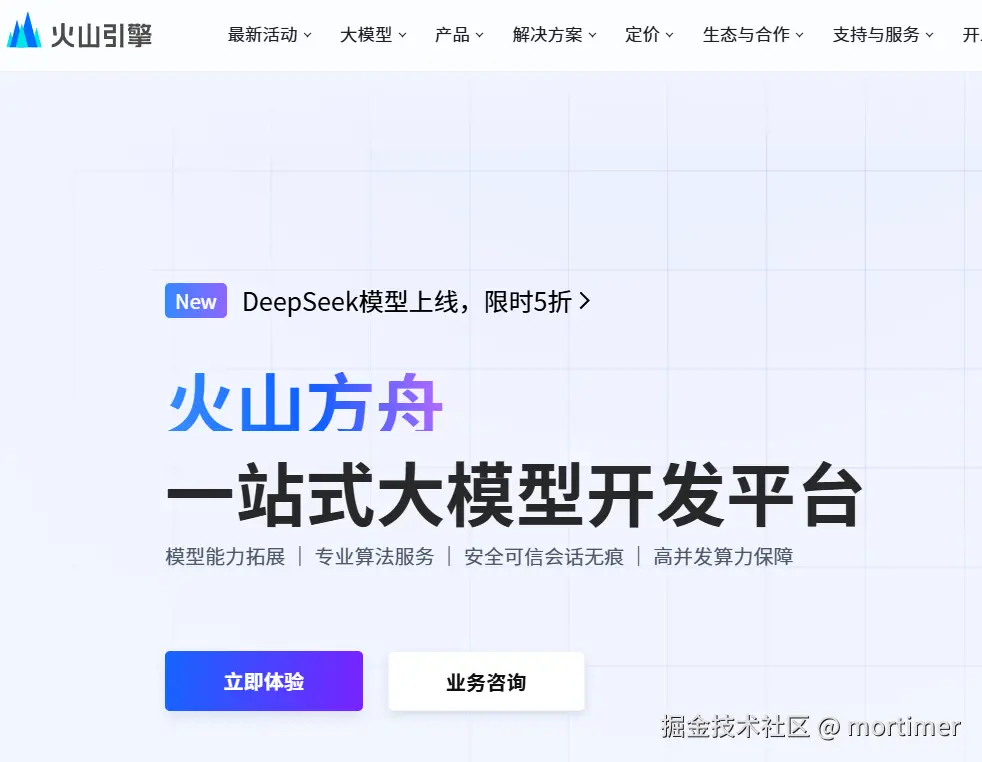
ByteDance Volcano Ark
An AI marketplace similar to Alibaba Bailian. Besides aggregating Doubao series models, it also includes some third-party models, including deepseek-r1.
Official Website: https://www.volcengine.com/product/ark
API KEY (SK) Acquisition Address: https://console.volcengine.com/ark/region:ark+cn-beijing/apiKey
API URL: https://ark.cn-beijing.volces.com/api/v3
Available Models: Numerous. Check details at https://console.volcengine.com/ark/region:ark+cn-beijing/model?vendor=Bytedance&view=LIST_VIEW
Note: ByteDance Volcano Ark's compatibility with the OpenAI SDK is a bit peculiar. You cannot directly fill in the model name. You need to first create an inference endpoint in the Volcano Ark console, select the model to use within the endpoint, and then fill the endpoint ID into the field where the model name is required (i.e., in the software). If this seems troublesome, you can ignore it. Apart from slightly lower prices, it offers no other significant advantages. See how to create an inference endpoint: https://www.volcengine.com/docs/82379/1099522
Other Methods for Using OpenAI API-Compatible Services
This article only lists some methods for using AI. Other services compatible with the OpenAI API can be used in a similar way, as long as you determine the API endpoint address, SK, and model name.
Note: The API URL generally ends with /v1.