
FireRedTTS3 Beginner's Guide: Clone Voices with One Sentence, Design Voices with Text, and Edit Audio Seamlessly!
If you have ever used voice tools like Edge-TTS, GPT-SoVITS, F5-TTS, or Index-TTS, the newly open-sourced FireRedTTS3 by Xiaohongshu will bring you a completely fresh experience.
What Makes It Different and Better Than Other TTS Tools?
- vs. Edge-TTS: Edge-TTS only supports Microsoft's preset voices and cannot clone voices; FireRedTTS3 supports true zero-shot voice cloning.
- vs. GPT-SoVITS: GPT-SoVITS only supports Chinese, English, Japanese, and Korean; FireRedTTS3 supports 24 common languages and lets you design brand-new voices from text.
- All-in-One Features: In addition to voice cloning in 24 languages, it also supports "creating custom voices from scratch using text prompts" and "seamlessly modifying lines, speech rate, and pitch just like editing a photo."
1. Key Feature Highlights
- Ultra-Fast Voice Cloning
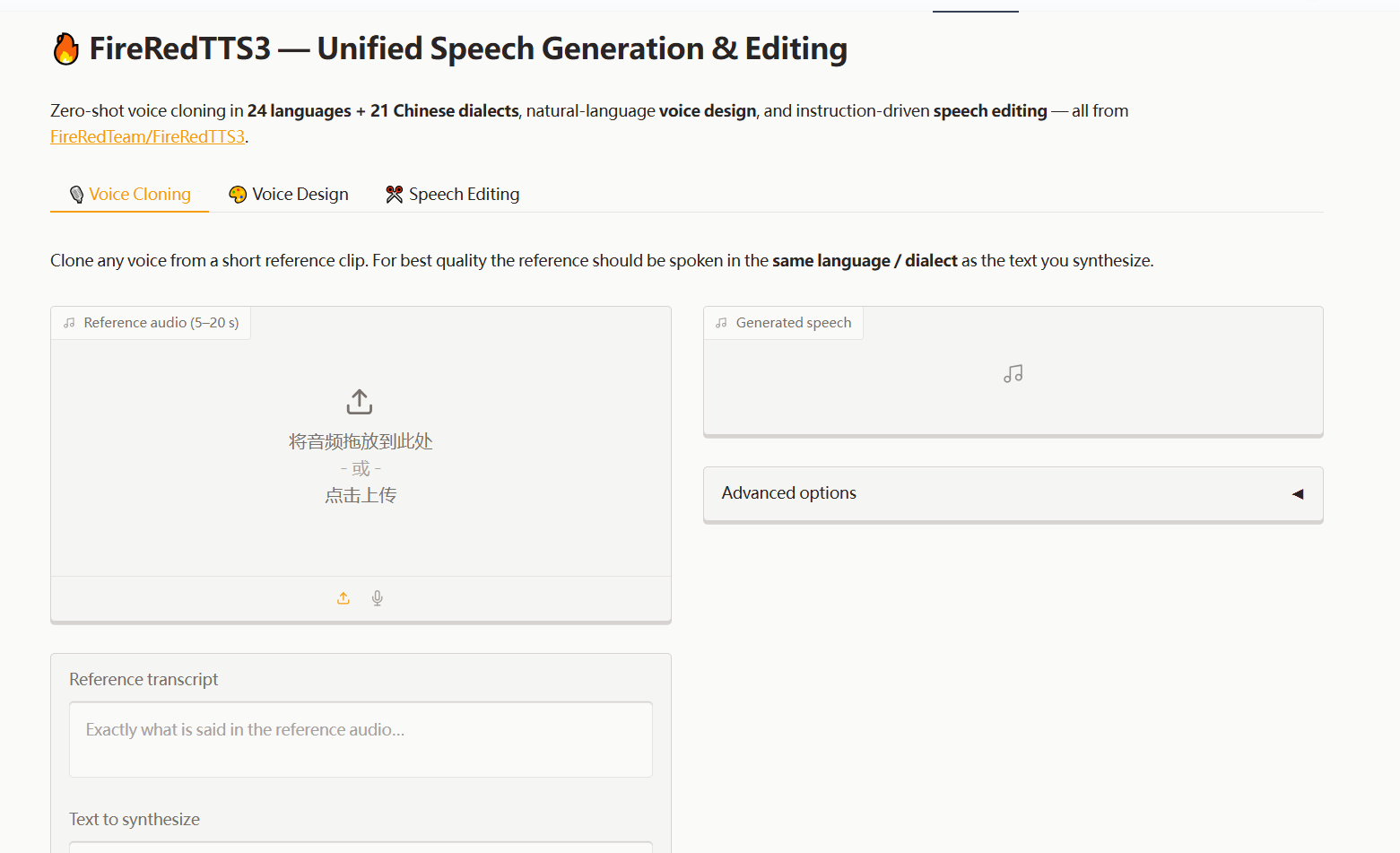
- Super Low Barrier: While the official recommendation is 5–20 seconds, 1–3 seconds of clean audio is actually enough to produce great results (we recommend at least 2–3 seconds; audio that is too short may lower similarity). Simply upload a short audio clip along with its transcript, and the AI will quickly read any new text in that exact voice.
- One-Click Voice Design via Text
- No reference audio needed! Just type a prompt like: "A gentle, soft voice of a young woman, speaking at a slightly slow pace," and the AI will automatically create a unique voice for you.
- Smart Voice Editing
- Seamlessly replace specific words in existing audio recordings, or fine-tune the speed and pitch with simple instructions.
2. GPU VRAM & Version Selection (Important!)
Official Repository | Modified Version. The modified version removes the flash_attn dependency (which often causes installation errors) and provides two WebUI interfaces. Please select one based on your GPU VRAM:
| WebUI Script | Features Included | Minimum VRAM | Recommended For |
|---|---|---|---|
webui.py | Voice Cloning only | ≥ 8GB VRAM | 8GB GPUs / Free Google Colab |
webuiall.py | Clone + Design + Edit | ≥ 16GB VRAM | 24GB GPUs (e.g., RTX 3090/4090) |
❗ Note: The free version of Google Colab has limited VRAM. Please make sure to run only
webui.py. Forcingwebuiall.pyto run will crash due to Out of Memory (OOM) errors.
3. How to Use?
Method 1: Google Colab Cloud Run (No Local GPU Needed)
Ideal for users without a high-end local graphics card (requires a Google account and standard internet access):
- Open the cloud notebook link: 👉 Click here for the Colab script
- When launching, add the
--shareargument (i.e.,python webui.py --share). Once started, the console will output a public.gradio.livelink. Click it to open and use the WebUI directly in your browser.
Method 2: Windows One-Click Package (Unzip & Run)
- Hardware Requirements: NVIDIA GPU with $\ge$ 8GB VRAM.
- Download Link: https://huggingface.co/mortimerme/repocollect/resolve/main/FireRedTTS3-0817.7z?download=true
- Simply extract the downloaded zip file and run the startup script. On the first launch, it will download the TTS models (around 20GB in total). Please ensure you have a stable network connection. By default, it downloads from a mirror site, which may be slow or occasionally time out.
Once started, the default WebUI address is http://127.0.0.1:7860. Open it in your browser to begin.
Method 3: Local Deployment from Source Code
git clone https://github.com/jianchang512/FireRedTTS3
cd FireRedTTS3
pip install -r requirements.txt

# Launch the cloning version (8GB VRAM)
python webui.py

# Launch the full-featured version (Requires 16GB+ VRAM)
python webuiall.pyOnce started, the default WebUI address is http://127.0.0.1:7860. Open it in your browser to begin.
💡 Quick Tips & Troubleshooting
- Reference Audio: Try to keep your sample recording clean with no background noise or reverb. We recommend keeping the duration above 3 seconds for the best audio fidelity.
- Dialect Support: Support for certain Chinese dialects is currently still being optimized by the official development team.