Download Index-TTS2 Windows One-Click Integration Package
Download Link
Direct download of the index-tts2 integration package for Windows system
After extracting, double-click
start webui.batand wait for the model to download automatically. Once completed, it will launch.
How to Use
- Extract the downloaded file after download.
- Double-click the extracted
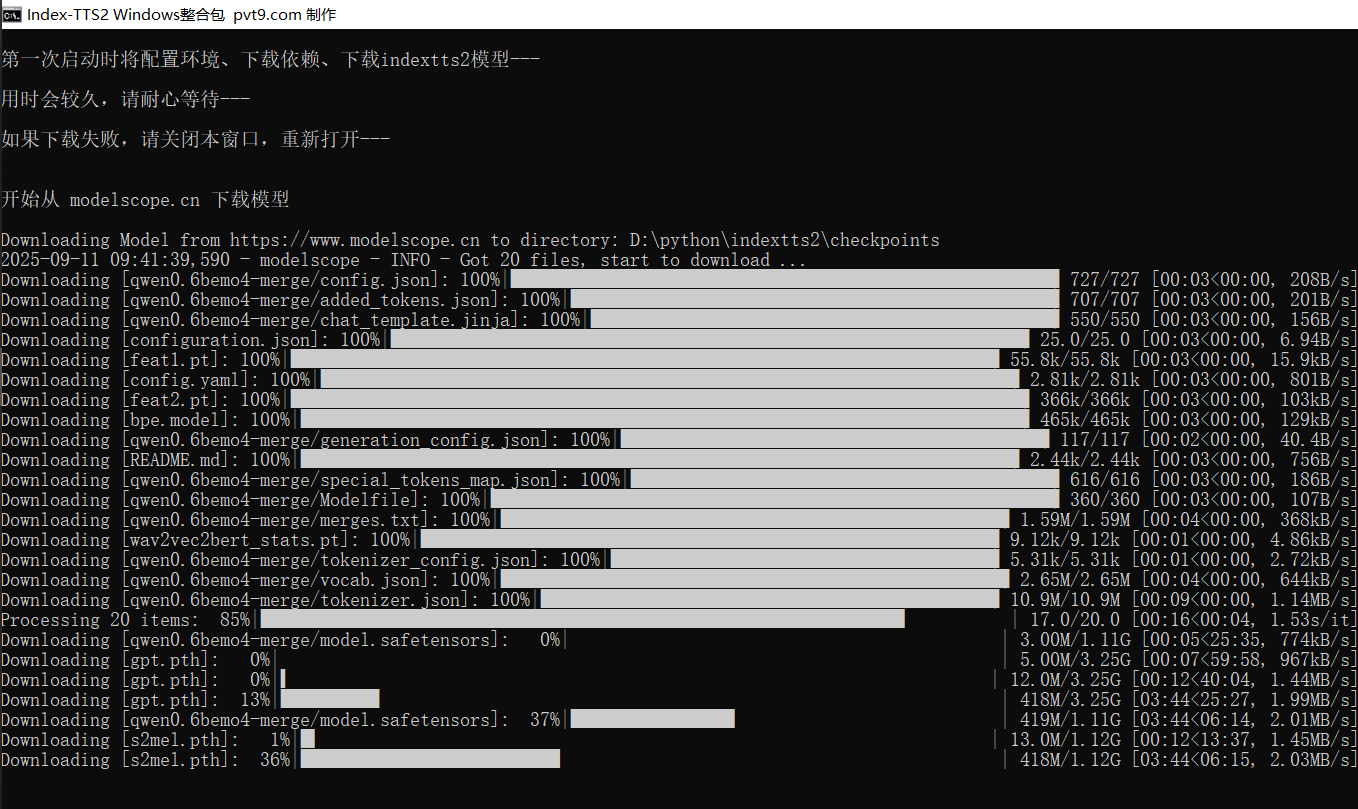
start webui.batfile. - On first launch, it will automatically create a Python environment, install dependencies, and download the index-tts2 model. This may take anywhere from a few minutes to tens of minutes, so please be patient.
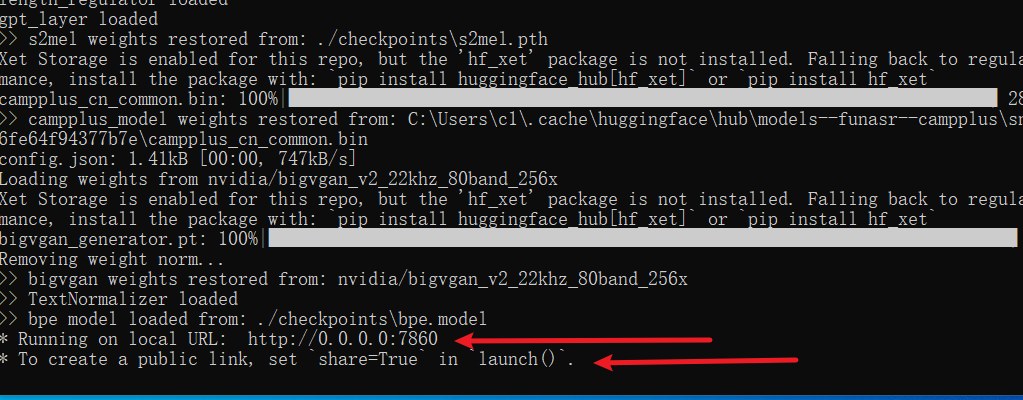
If the bottom of the final window shows as the image below, it means success.
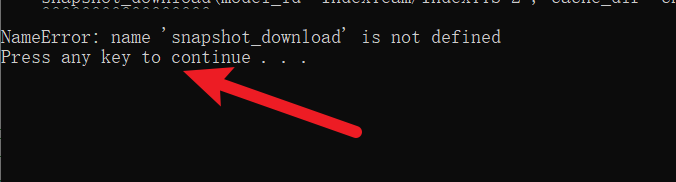
If the final screen shows Error: or similar text as in the image below, it indicates failure. Please close the window and reopen it.
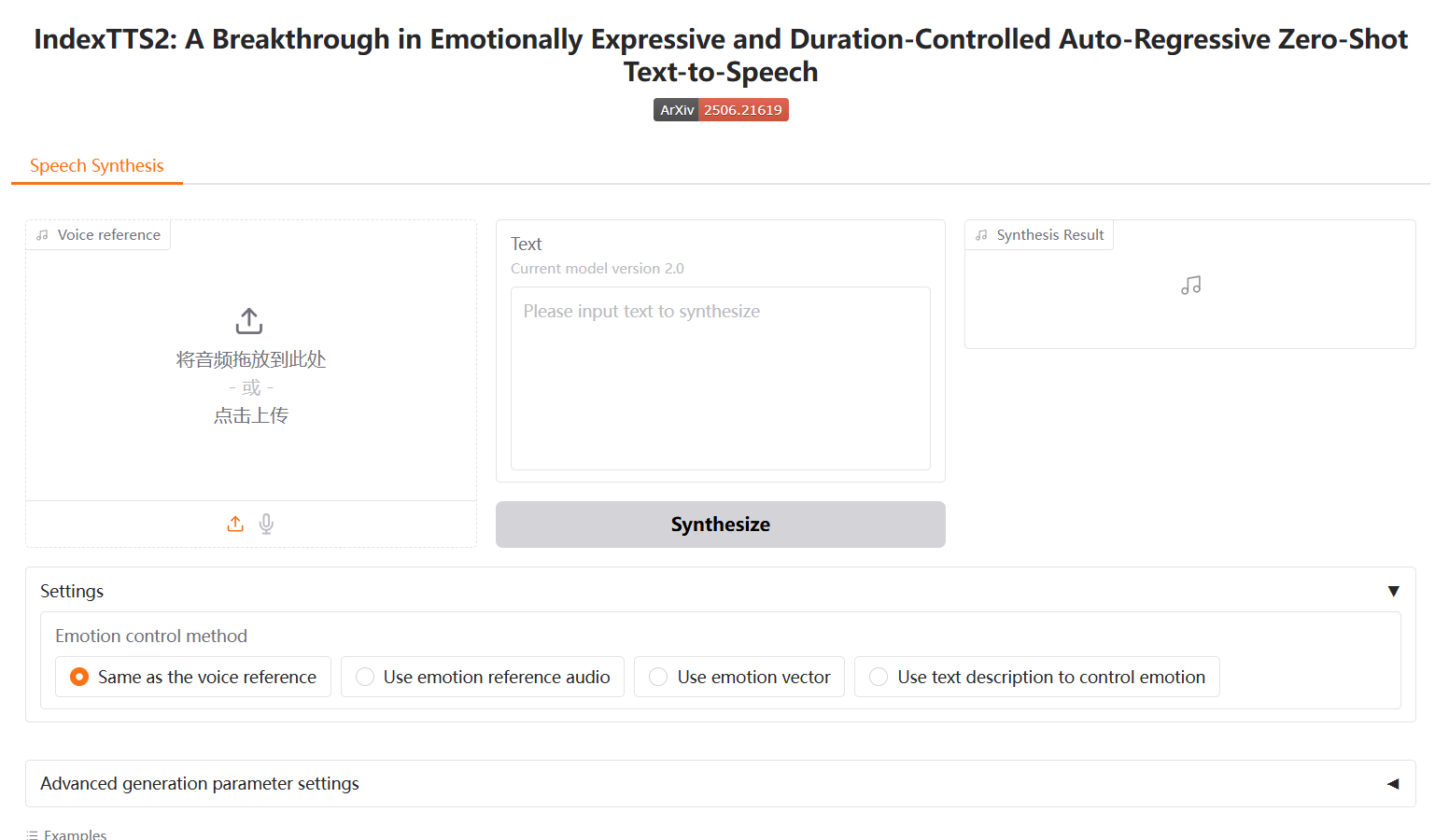
- Upon success, the browser will automatically open the address
http://127.0.0.1:7860.
Change Model Download Source Address
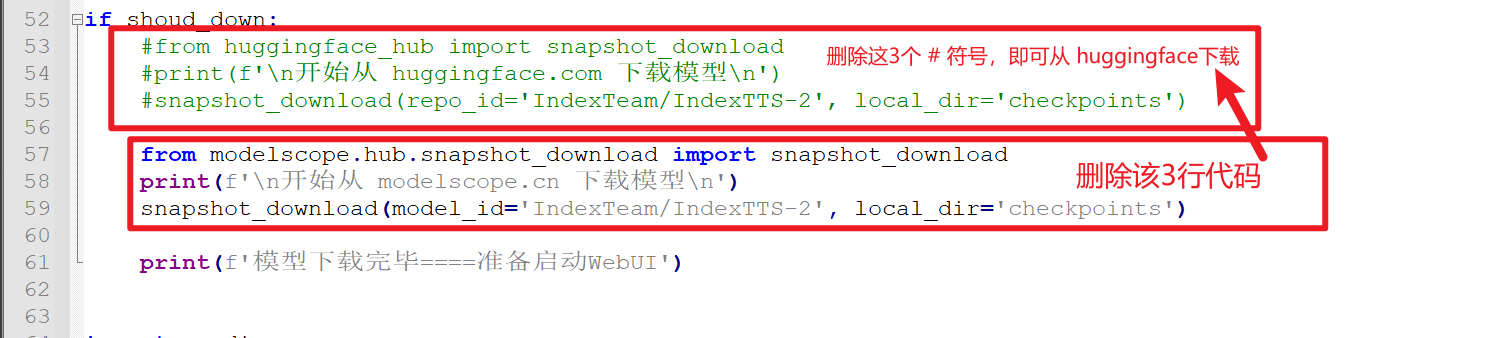
By default, the Index-TTS2 model is downloaded from modelscope.cn. If you prefer to download from huggingface.co, open the webui.py file, locate line 53, delete the # symbol before the following 4 lines of code, and then delete the subsequent 3 lines of code. See the image for reference.