
Many people get confused when using AI software that states "requires NVIDIA graphics card for acceleration": My graphics card is from Colorful, ASUS, or GIGABYTE, not NVIDIA. Can I use it?
Don't worry. Today, let's talk about the "ins and outs" of graphics cards in plain language to help you figure out if your graphics card truly has "NVIDIA DNA".
Understanding Graphics Cards with an Analogy
Imagine building a car:
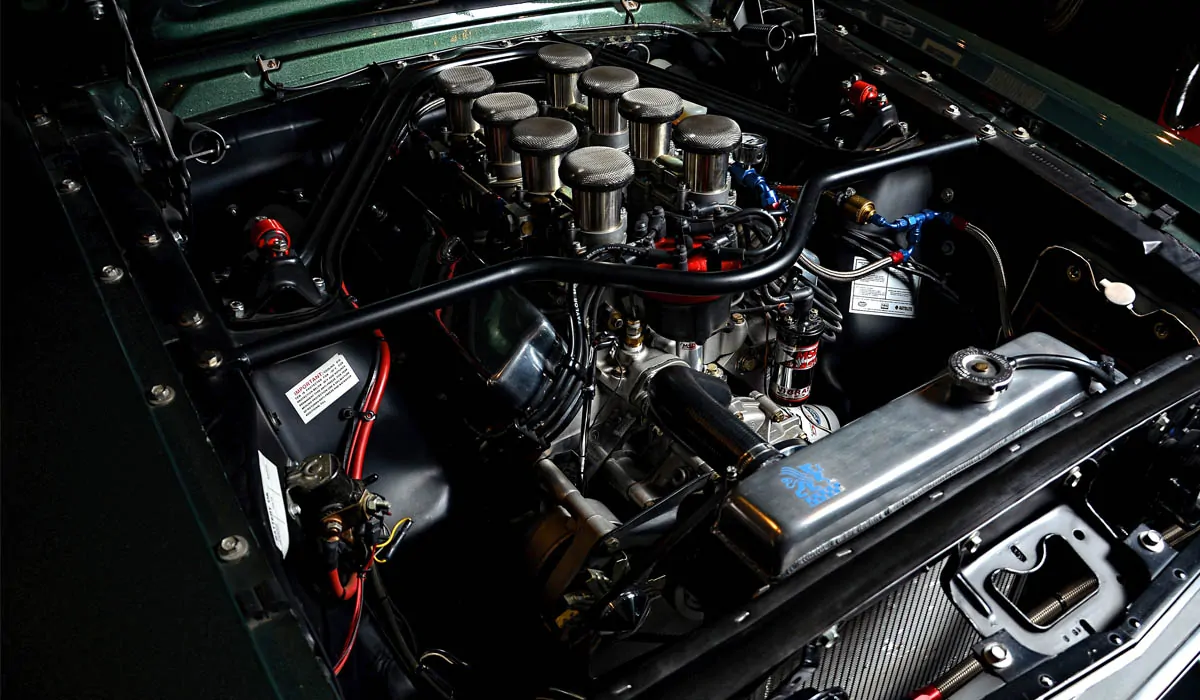
- NVIDIA is like a manufacturer that produces car engines. It designs the GPU chips (e.g., RTX 3060, 4090), but it doesn't assemble the entire car.
- Brands like Colorful, ASUS, and GIGABYTE are like car assembly plants. They buy NVIDIA's "engine" (GPU chip), add their own chassis, cooling fans, and circuit boards, and assemble them into a complete graphics card to sell to you.
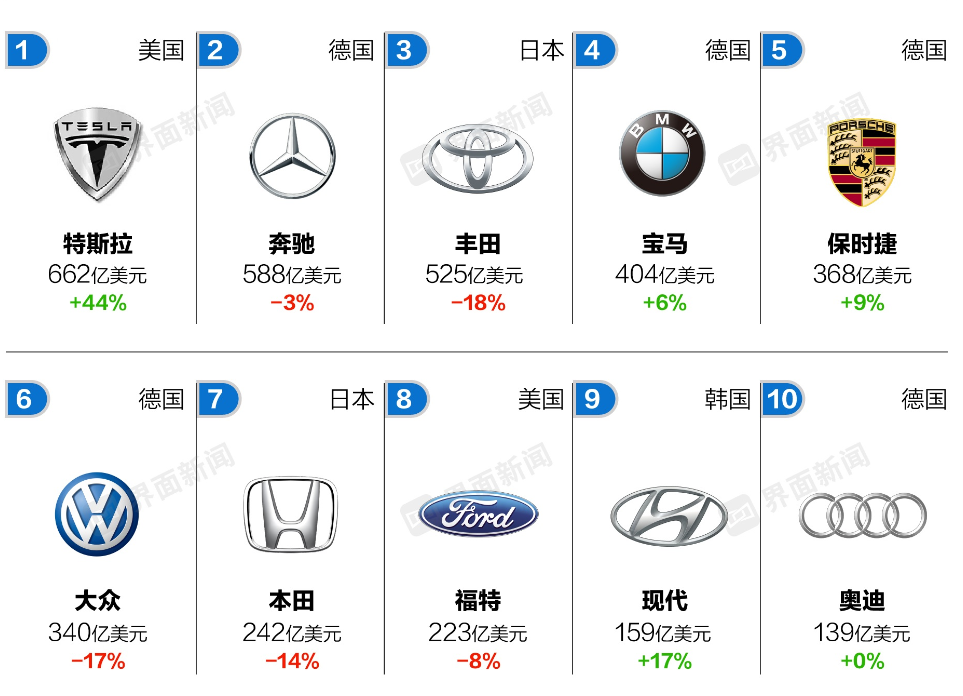
What's the Style of These Brands?
Each brand has its own "car-building characteristics," but the core engine is always from NVIDIA:
Colorful: Like a "domestic, high-value-for-money car," affordable with decent performance.
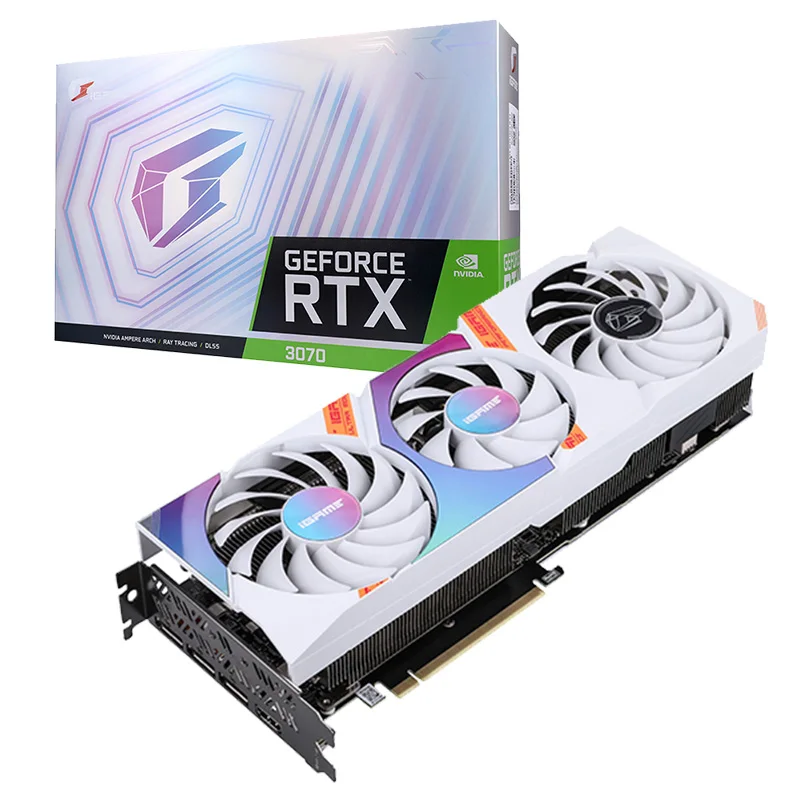
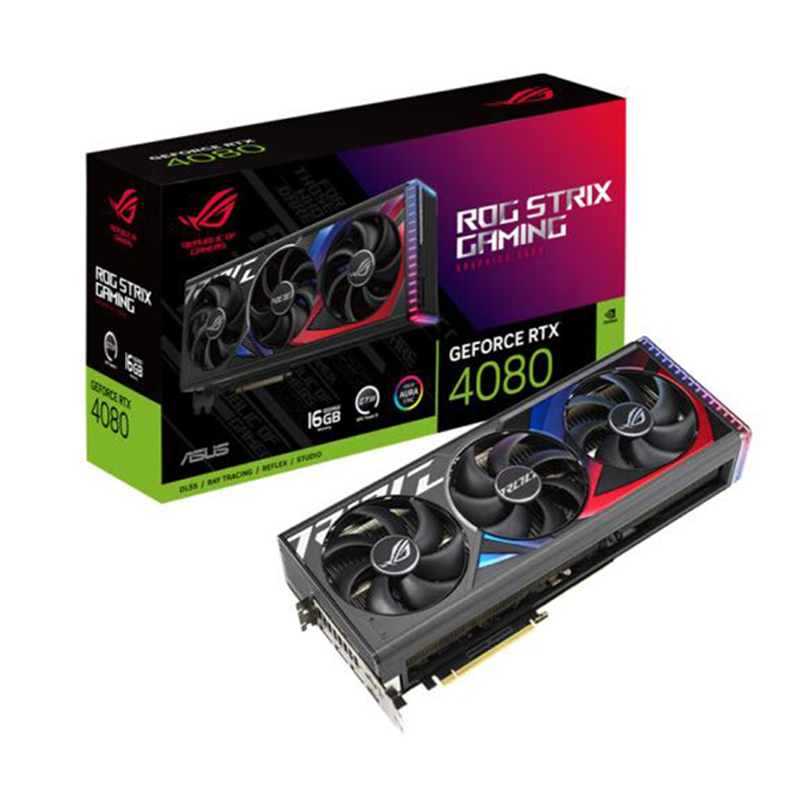
ASUS/ROG: Like a "high-end modified car," especially the ROG series, focusing on luxury and powerful performance.
MSI: Like a "racing-style car," known for good cooling and strong overclocking capabilities.
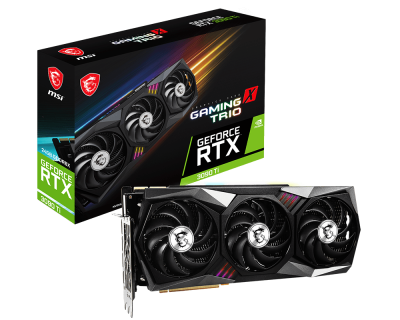
GIGABYTE: Like an "all-round family car," offering a good balance of value and stability.
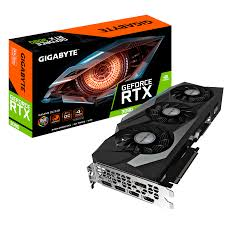
ZOTAC: Like a "mini hot hatch," specializing in compact graphics cards.
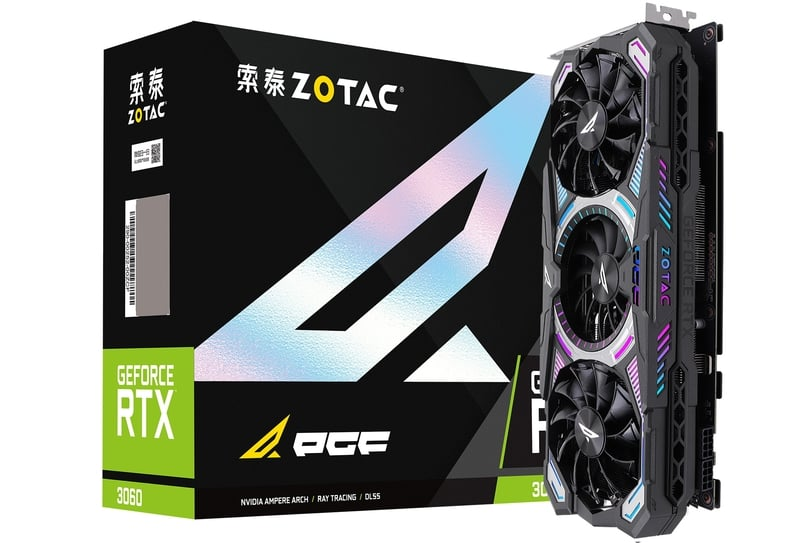
GALAX: Like a "cool supercar," with eye-catching designs and strong personality.
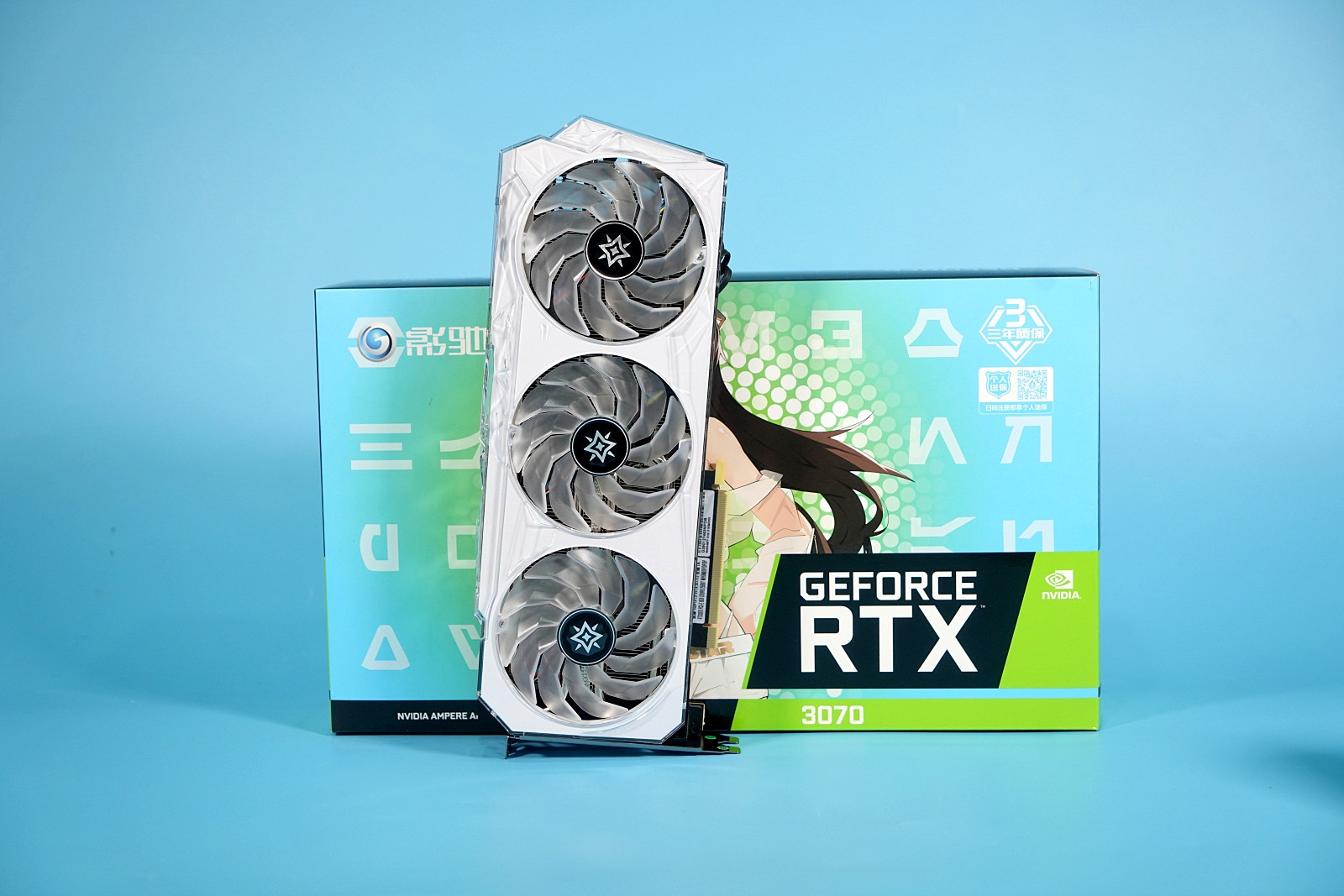
Inno3D: Like a "practical utility vehicle," focusing on cooling and durability.
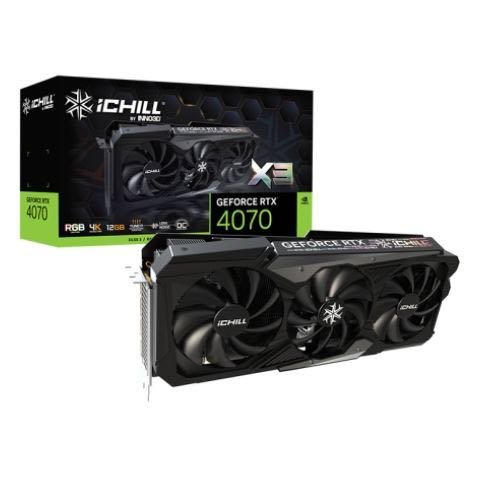
Key Point: AI Acceleration Depends on the Chip, Not the Brand
How to tell if it's usable? As long as your graphics card model starts with RTX or GTX (e.g., RTX 4060, GTX 1660), regardless of whether the brand is Colorful or GIGABYTE, the core is an NVIDIA chip, and it can run AI without any issues!
What's the difference between brands? The brand only determines "external" factors like appearance, cooling, and warranty. AI acceleration capability depends entirely on the NVIDIA chip model (e.g., 3060, 4090).
Handy Tips to Check Your Graphics Card
Look at the name: Graphics card names are usually "Brand + RTX/GTX + Number," such as "Colorful RTX 4060."
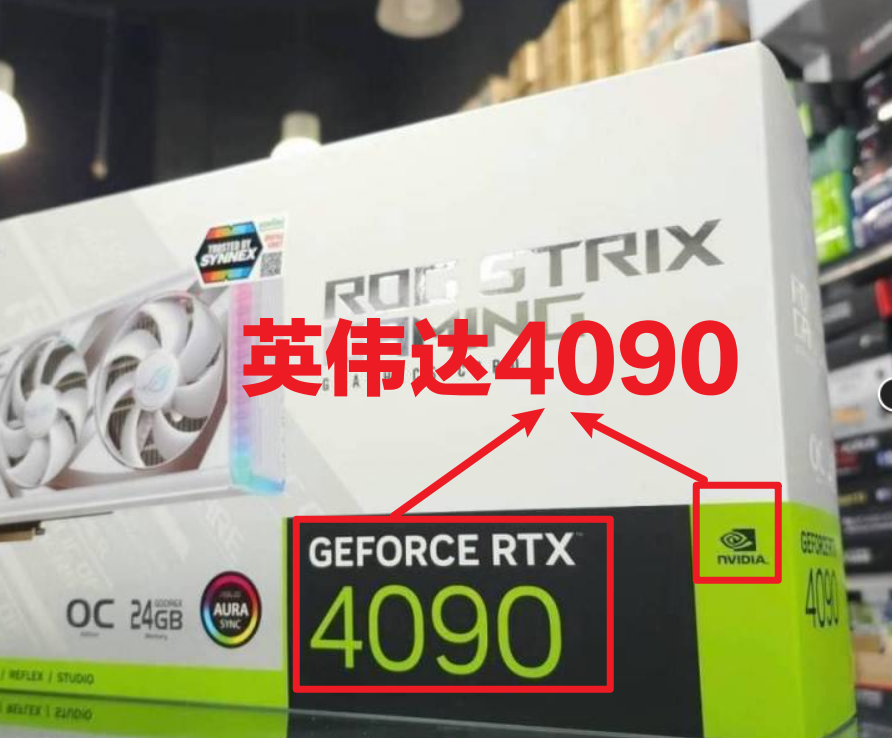
Check software requirements: If it requires "RTX 3060 or above," as long as your model number is ≥3060 (e.g., 4060, 4070), the brand doesn't matter.
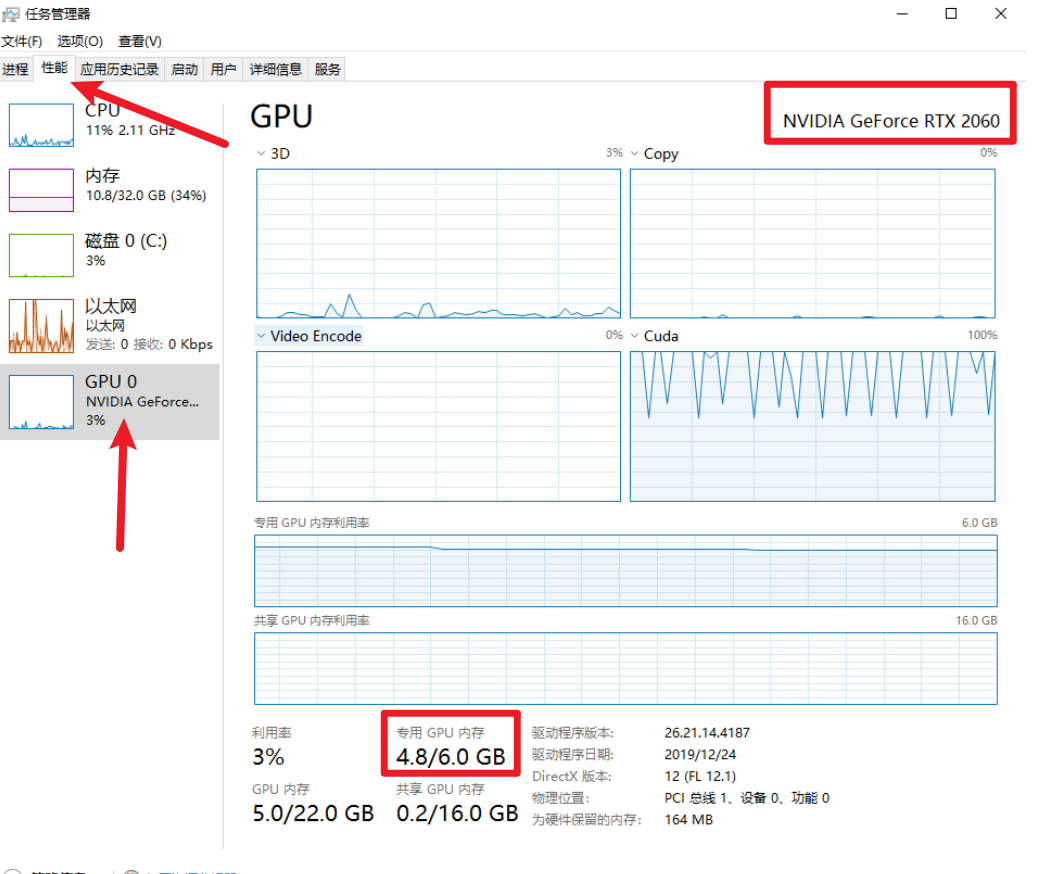
Check your computer: Windows users can press "Ctrl+Shift+Esc" to open Task Manager, click the "Performance" tab, and check the graphics card model.
Summary in One Sentence
NVIDIA is the "chip boss," while brands like Colorful are the "assembly partners." Just look for RTX/GTX + Number, and AI acceleration will work perfectly fine!