
Batch Speech to Text
Supported video formats:
mp4 / mov / avi / mkv / webm / mpeg / ogg / mts / tsSupported audio formats:
wav / mp3 / m4a / flac / aac
This panel is for transcribing audio and video files into text or subtitles. If you don't need translation and just want to batch-generate subtitles from media files, this is the right tool.
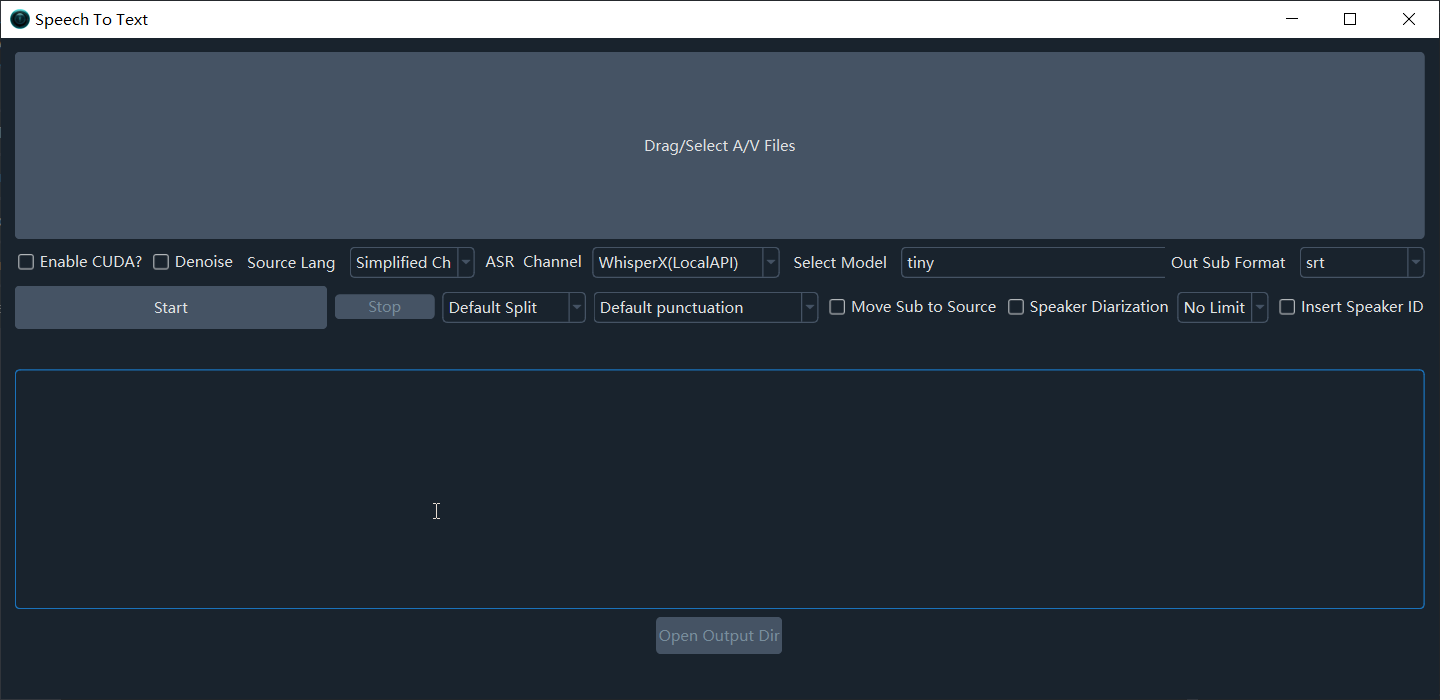
Workflow
- Import files: Click the large button at the top, or drag and drop files. Supports single or multiple files.
- Configure settings: Select the spoken language, ASR channel, and model.
- Start transcription: Click Start.
Main Parameters
Basic Settings
| Parameter | Description |
|---|---|
| Enable CUDA? | On Windows/Linux with an NVIDIA GPU and CUDA configured, enable this to speed up transcription |
| Spoken Lang | The language spoken in the media. Select correctly. If unsure, choose auto for auto-detection |
ASR Channel
| Channel | Description | Recommended Use |
|---|---|---|
| faster-whisper (local) | Local model, good speed and quality, supports dozens of languages | Default recommendation |
| openai-whisper (local) | Slightly higher accuracy, slower | High-accuracy needs |
| Qwen-ASR (local) | Excellent Chinese recognition | Chinese videos |
| FunASR (local) | Chinese-optimized model | Chinese videos |
| Huggingface_ASR (local) | Supports multiple language models | Multilingual scenarios |
| Volcano Engine subtitles | Online API | Chinese videos |
| OpenAI speech recognition | Online API | English and other languages |
| Gemini speech recognition | Online API | Supports minor languages |
| Alibaba Qwen3-ASR | Online API | Chinese videos |
Model Selection
Larger models are more accurate but slower and more resource-intensive:
| Model | Speed | Accuracy | VRAM Requirement |
|---|---|---|---|
| tiny | Fastest | Low | ~1GB |
| base / small | Medium | Medium | ~1–2GB |
| medium | Slower | Higher | ~5GB |
| large-v3 | Slow | Highest | ~8GB |
| large-v3-turbo | Faster | High | ~6GB |
Advanced Features
| Feature | Description |
|---|---|
| Denoise | Remove background noise before recognition to improve accuracy |
| Speaker Diarizatio... | Distinguish different speakers after recognition (set estimated speaker count) |
| Insert speaker labels | Prepend speaker identifiers (e.g., [spk0]) to subtitle text |
| Default segmentation / LLM Resegment | Default segmentation or use an LLM for intelligent re-segmentation and punctuation |
| Output format | Default SRT; also supports TXT, VTT, ASS |
| Full recognition vs batch inference | Full recognition uses built-in VAD for better segmentation; batch inference is faster but segments less accurately |
| Output subtitles to source folder | Place transcribed files in the same folder as the original media |
Multi-Role Dubbing
You can assign a separate voice to each subtitle line for multi-role dubbing.
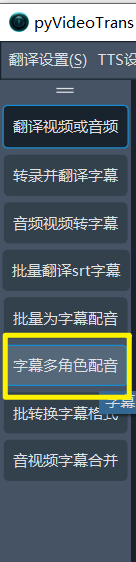
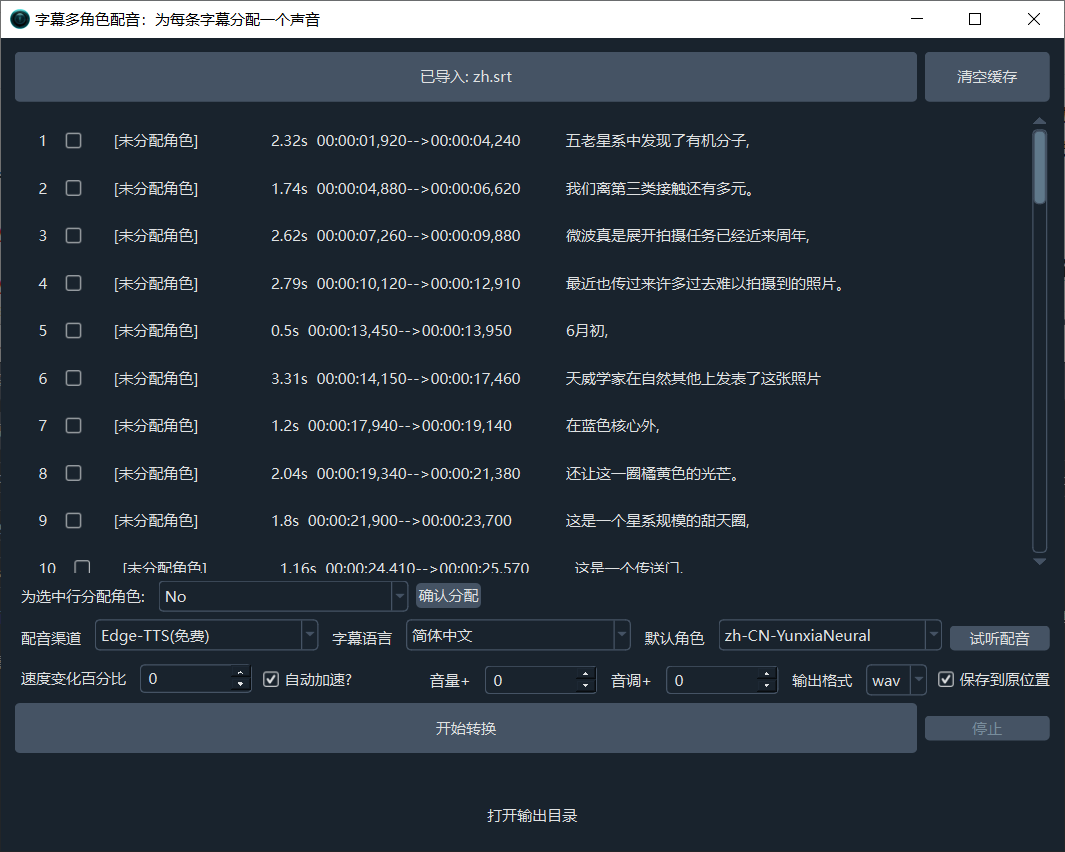
Supported subtitle format for dubbing:
srt. See Voice Cloning & Multi-Role Dubbing for details.
FAQ
Q: Transcription result is empty or garbled?
- Check that Spoken Lang is set correctly
- Verify the video has audio (some online videos download video and audio separately)
- Try enabling Denoise
- Switch to a different ASR channel or model
Q: Transcription is too slow?
- Enable Enable CUDA? (requires an NVIDIA GPU)
- Use a smaller model (e.g.,
base) - Increase the Max speech duration value to reduce splits
Q: How to improve Chinese recognition?
Use Qwen-ASR or FunASR — both are optimized specifically for Chinese.