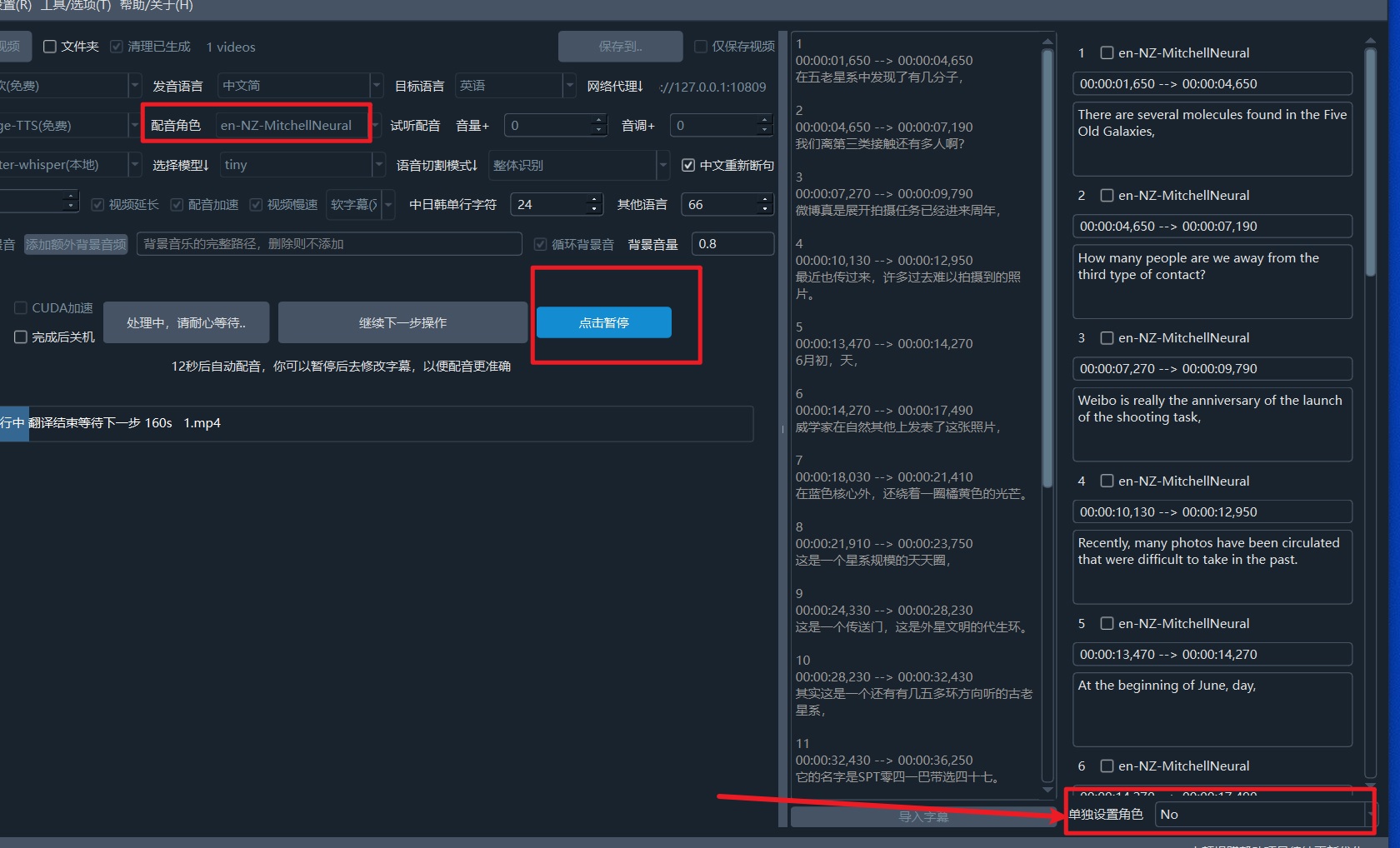
Achieve Multi-Role and Multi-Speaker Dubbing
In default dubbing, only one speaker can dub from start to finish. If you want to achieve multiple speakers dubbing according to different subtitles, please refer to this article to configure a role for each subtitle line.
First, you can only select one video for translation operation. You cannot select multiple videos or a folder at the same time.
After the subtitle translation phase is completed, a pause button will appear. Click pause at this time. In the subtitle area on the right, you can individually set a dubbing role for each subtitle line, thereby achieving multi-role dubbing.
In the dubbing role section of the main interface, you need to select a default dubbing role. If not set individually, this default role will be used for all.