IMS Toucan TTS is a project that claims to support voice synthesis for over 7000 languages. I downloaded and tried it, and it indeed works, but the quality is just average—nothing outstanding. It's usable if your requirements aren't too high.
Unlike edge-tts, which offers several fixed voice styles, this project has one fixed voice style per language. You can fine-tune random voice characteristics, seed, gender, etc., using parameters like prosody_creativity, duration_scaling_factor, voice_seed, and emb1.
Project address: https://github.com/DigitalPhonetics/IMS-Toucan
Local Deployment Method
You can deploy from source according to the instructions on the project's official website: https://github.com/DigitalPhonetics/IMS-Toucan
I've also conveniently packaged a Windows integrated version for those who don't want to go through the hassle.
Download the integrated package from Baidu Netdisk and extract it to a directory, for example, D:/python/IMS-Toucan.
Integrated package download address: https://pan.baidu.com/s/1om62tz-fmq4o5sijmHmnMQ?pwd=dck6
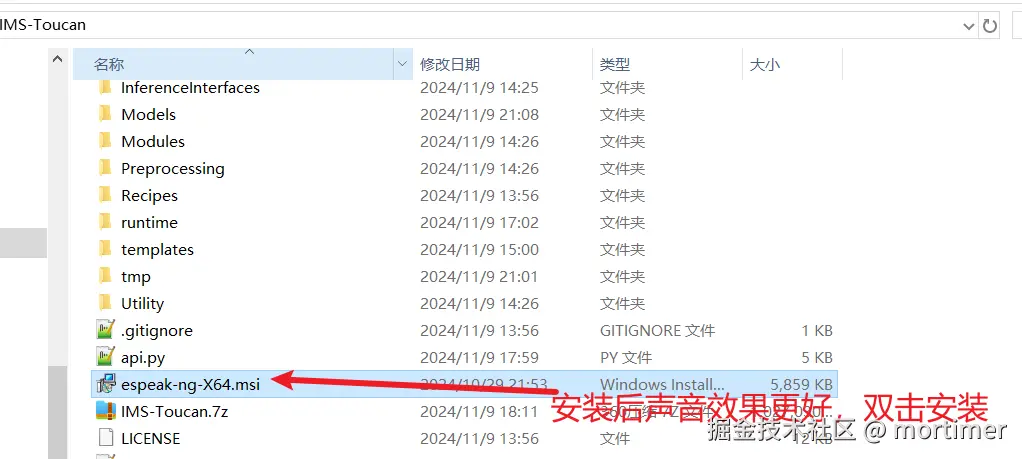
After extraction, you'll find a file named espeak-ng-X64.msi. Installing it is optional, but it improves sound quality. Double-click and follow the default steps to install.
You'll see three .bat files in the directory, which can be executed by double-clicking.
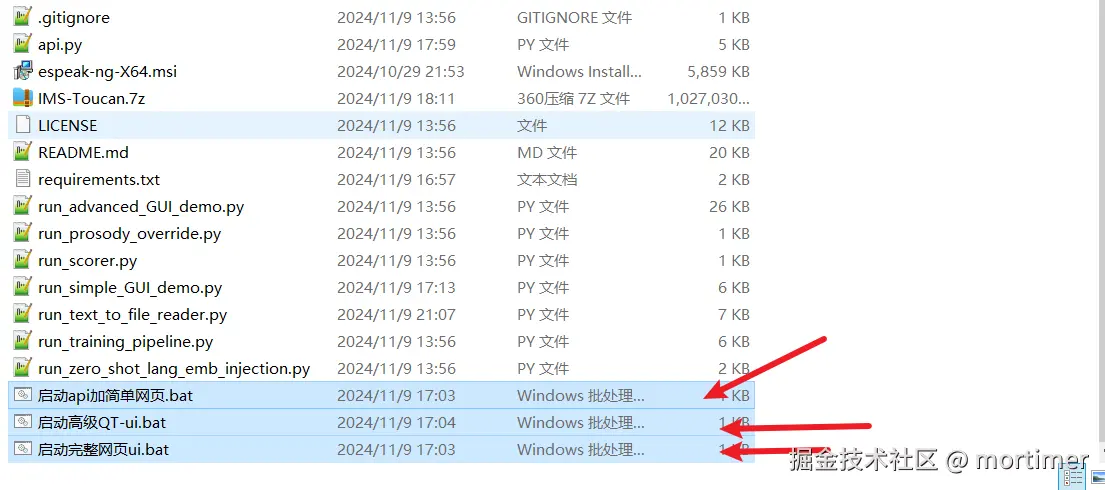
Start API + Simple Webpage.bat:
Double-clicking this will start an API interface service and open a simple webpage. This can be used to connect to the custom TTS interface of video translation software. This API only supports 24 commonly used languages.
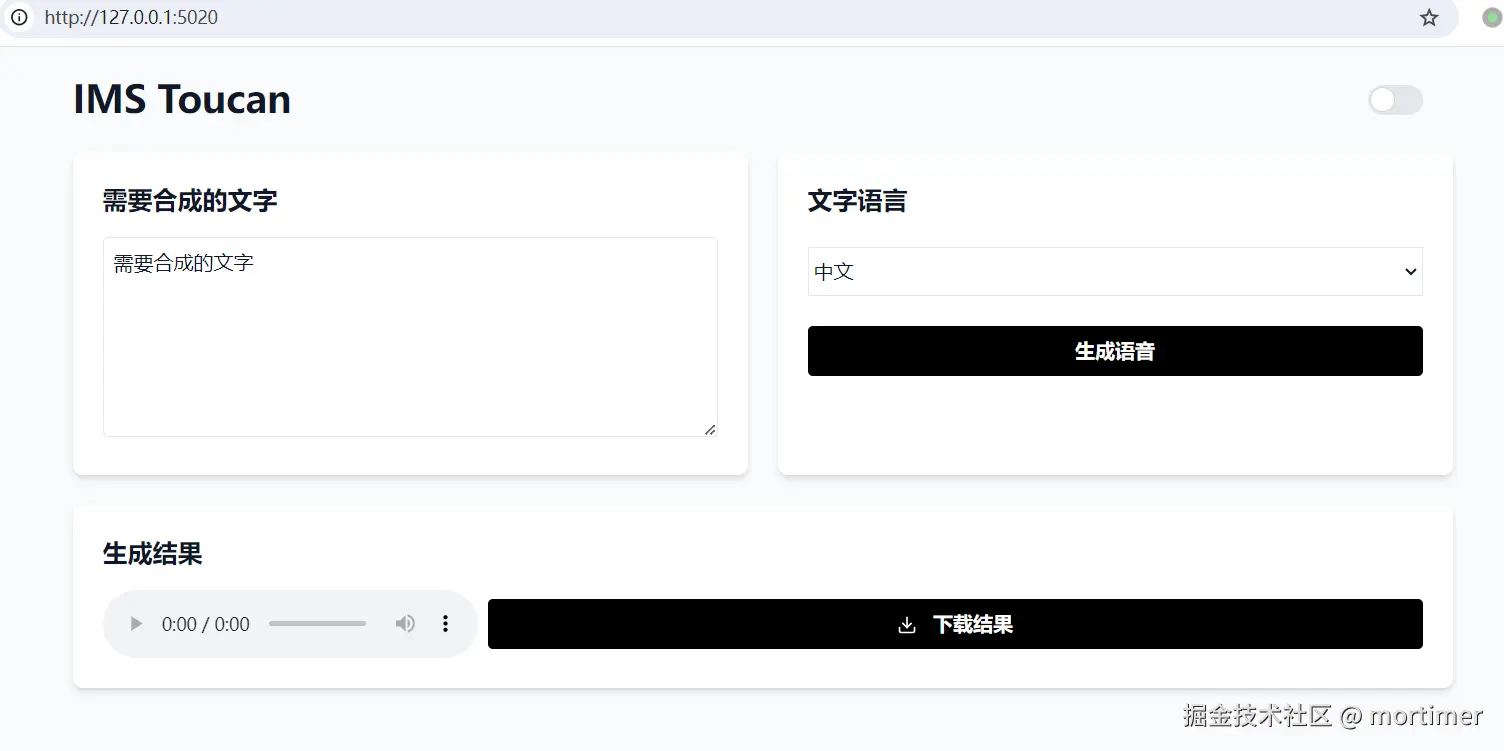
The interface address is
http://127.0.0.1:5020/api, which can be filled in the custom TTS interface of video translation software.
Start Full Web UI.bat:
Double-clicking this will start the official web interface of IMS Toucan, which supports synthesis and dubbing for all languages. Feel free to explore and experiment.
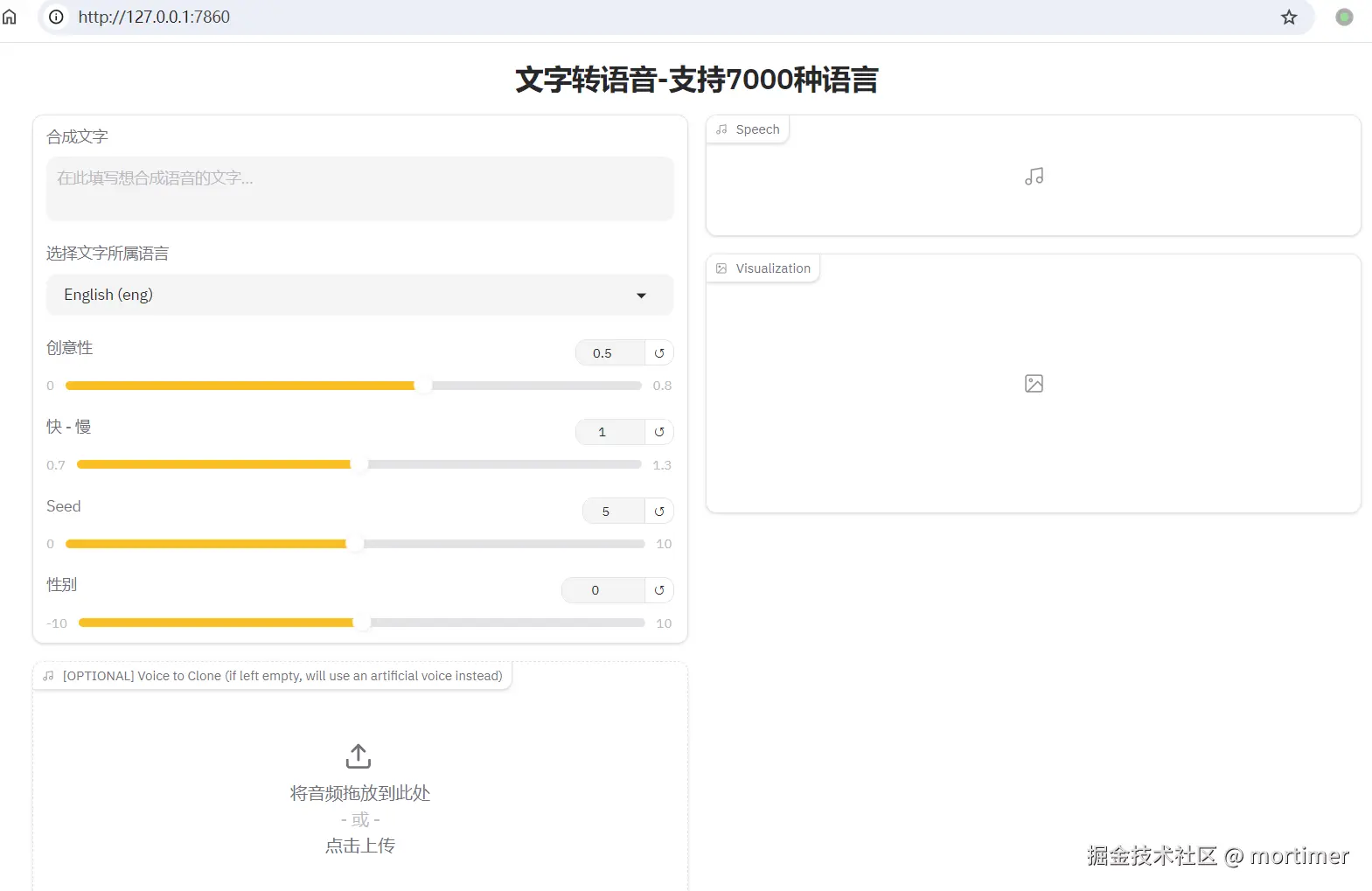
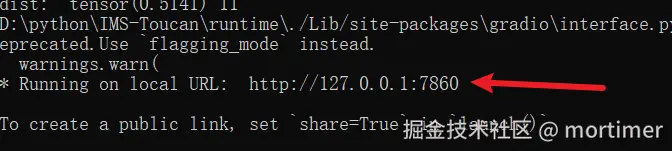
If the browser doesn't open the page automatically, when the terminal displays as shown in the image below, manually copy the address and open it in your browser.
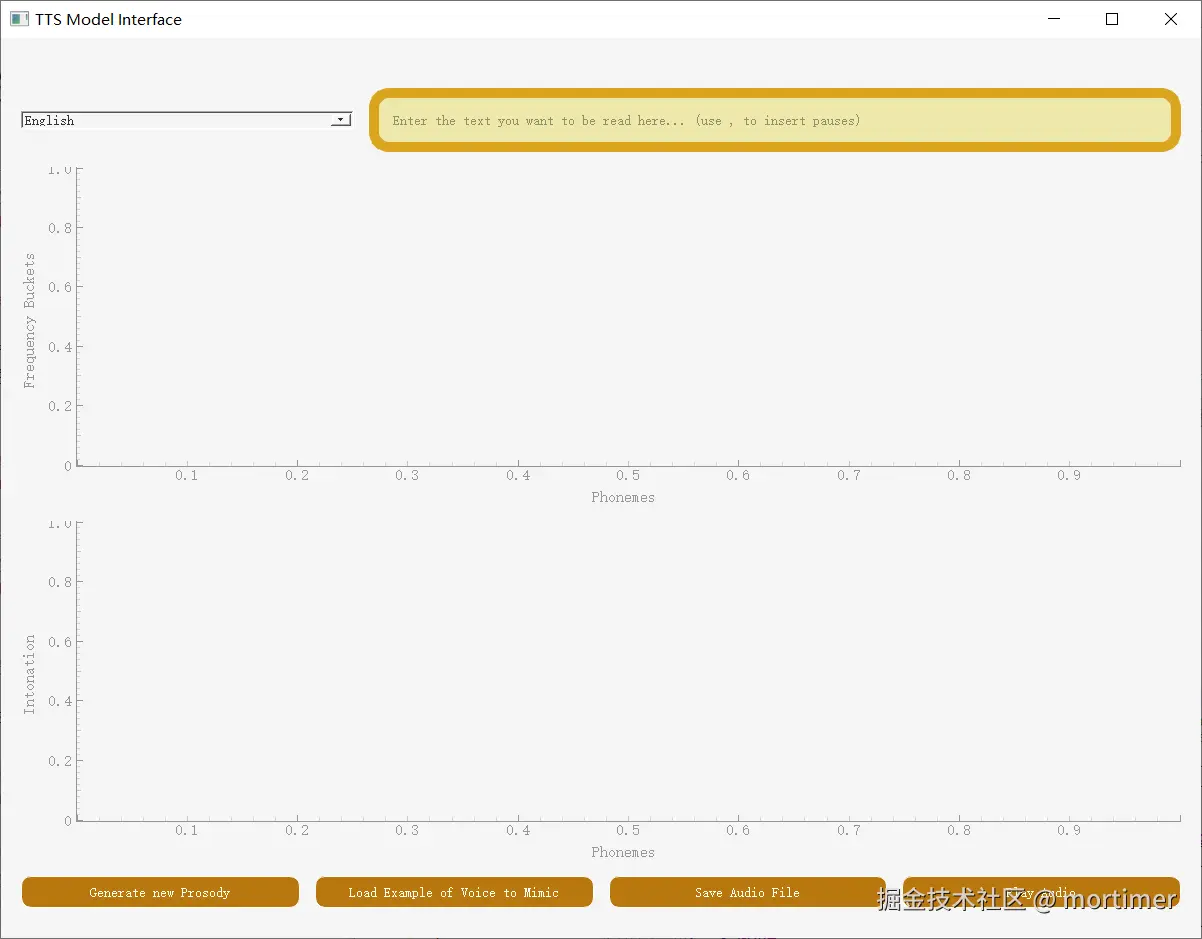
Start Advanced QT-UI.bat:
Double-clicking this will launch the built-in software interface. This interface is not localized (Chinese), but you can explore it if interested.
Important Notes
- When starting, a bunch of information may appear in the terminal window, as shown below. This is not an error and can be ignored.
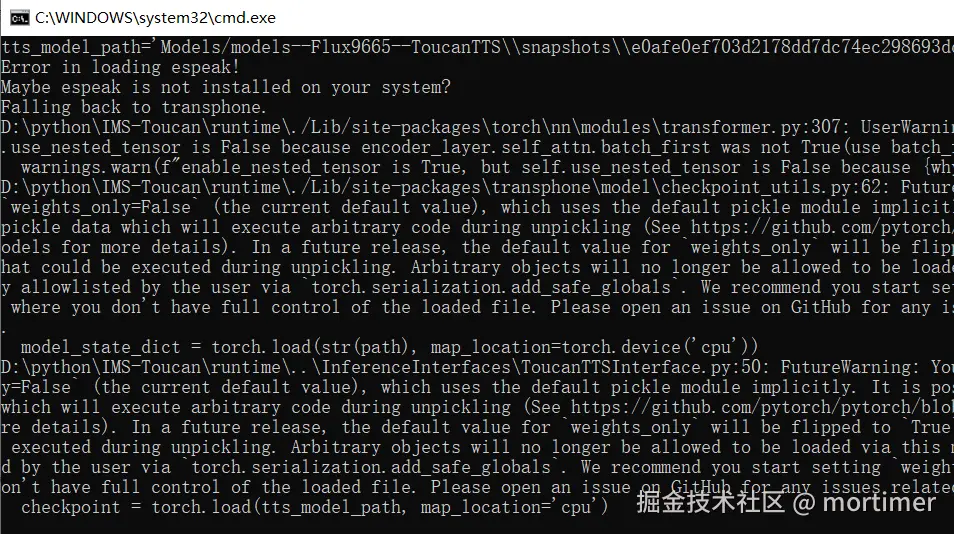
After starting the API and the full web UI, the corresponding pages will automatically open in your browser. The advanced QT interface will automatically open the software.
Sometimes, a series of errors may appear, including the Microsoft URL
https://docs.microsoft.com. In this case, close the window and run the .bat file again by right-clicking and selecting "Run as administrator."The integrated package comes with pre-included models, but it might check for model updates upon startup, requiring a connection to
https://huggingface.co. If you cannot access this site, you'll need a VPN. If you seeHTTPSConnectin the error messages, it means you need to enable a global or system proxy.
Using with Video Translation Software
First, update your video translation software to the latest patch. Download address: https://pyvideotrans.com
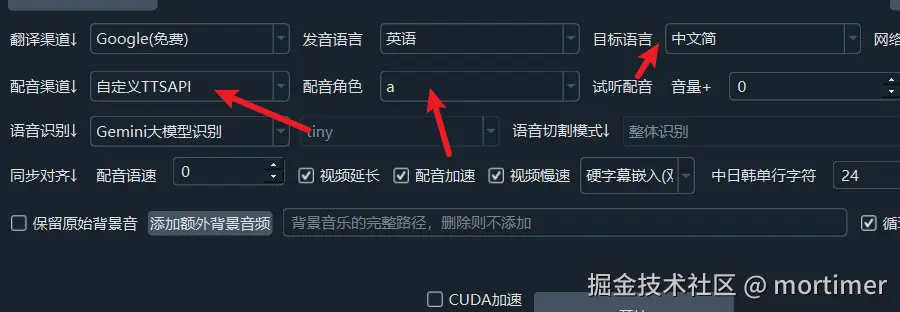
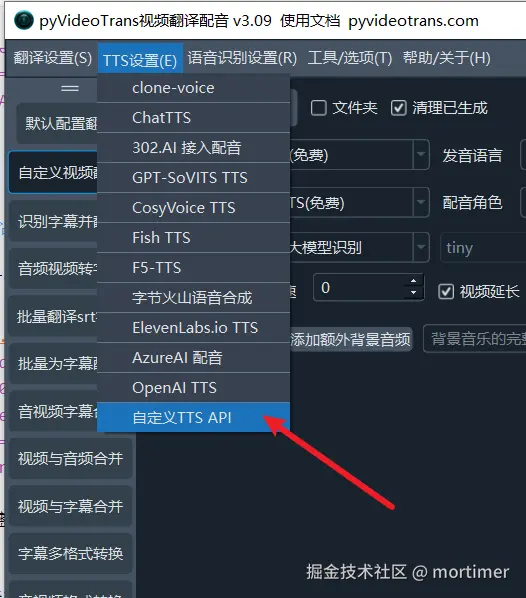
After starting the software, click on the menu: TTS Settings -> Custom TTS Interface. Enter http://127.0.0.1:5020/api in the API address field. You can fill the character list with any letters, such as a, b, c.
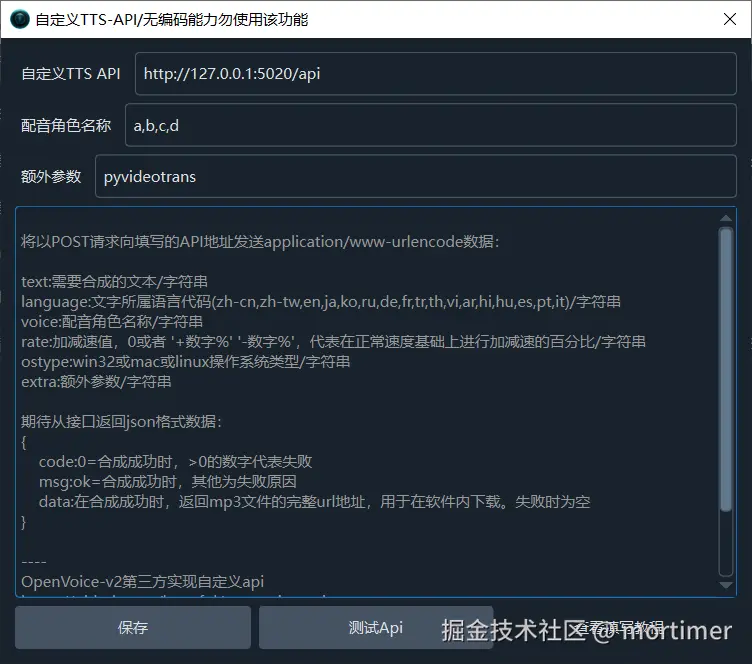
After testing without issues, you can start using it.