This is a tool that uses Gemini AI to transcribe audio and video into SRT subtitle files.
Download Pre-packaged Version
The pre-packaged version is only for Windows 10/11. For macOS and Linux systems, please deploy using the source code.
Baidu Netdisk link: https://pan.baidu.com/s/10gJVMa5L3wnzlf1tFd9euw?pwd=dtpt
Audio and video content has become an important medium for acquiring knowledge and sharing perspectives. Efficiently converting this content into text, especially into subtitles with precise timestamps, has often relied more on OpenAI's open-source Whisper.
The emergence of Gemini AI offers a new solution. Leveraging its powerful natural language processing capabilities, it can quickly and accurately transcribe audio and video content into text. Moreover, Gemini AI provides a generous daily free quota, sufficient for everyday transcription needs.
However, simply sending the complete audio/video file to Gemini AI, while yielding SRT subtitles quickly, often results in inaccurate timestamps. This is mainly because Gemini AI may experience timestamp drift when processing long audio.
To solve this problem, a simple and easy-to-use tool was developed that automatically performs the following steps:
- Intelligent Slicing: Uses a VAD (Voice Activity Detection) model to intelligently split the audio/video file into small segments.
- Segment-by-Segment Transcription: Sends each segment individually to Gemini AI for transcription.
- Precise Assembly: Reassembles the transcription results in chronological order into a complete SRT subtitle file, ensuring timestamp accuracy.
No complex setup required. With simple operations, you can obtain SRT subtitles with precise timestamps!
Advantages of Gemini AI:
- High Accuracy: Based on a powerful AI model, Gemini AI boasts extremely high speech recognition accuracy, capable of accurately capturing content from audio and video.
- Fast Speed: Thanks to Gemini AI's powerful computing capabilities, transcription is very fast, saving you significant time.
- Free Quota: Gemini AI provides a sufficient daily free quota, enough to meet everyday audio/video transcription needs, reducing usage costs.
- Supports Multiple Formats: This tool supports common audio and video formats, eliminating the need for additional format conversion.
- Precise Timestamps: Through intelligent slicing and segment-by-segment transcription, it ensures the generated SRT subtitle timestamps are accurate and error-free.
How to Use
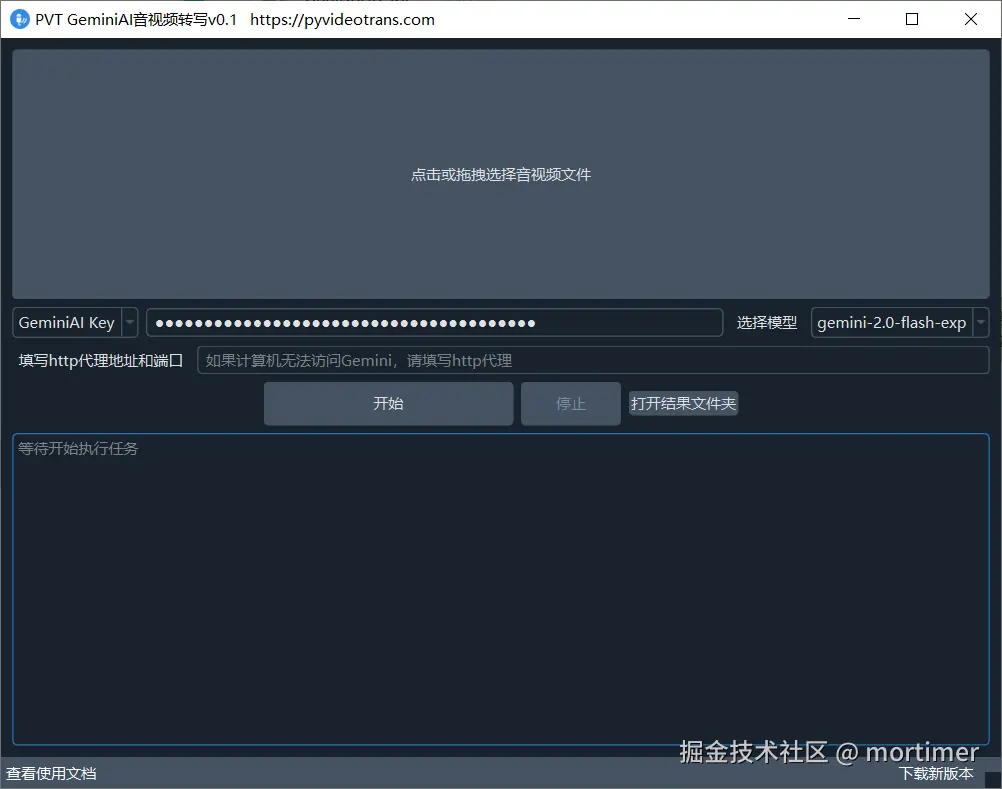
- Obtain a Gemini API Key: First, you need a Gemini API Key. If you don't have one yet, please follow the instructions at the end of this article to get one.
- Enter the API Key: Paste your Gemini API Key into the tool's
GeminiAI Keyinput box. - Select a Model: It is recommended to choose the

gemini-2.0-flash-expmodel, which performs well and has a sufficient daily free quota. - Set Proxy (Optional): If you are using it in an environment without scientific internet access, please enter the HTTP proxy address and port.
- Select File: Click on the large area above to select the audio or video file you want to transcribe.
- Start Transcription: Click the "Start" button. The tool will automatically complete the process of slicing, transcribing, and assembling the subtitles.
- View Results: After transcription is complete, click "Open Result Folder" to find the generated SRT subtitle file.
How to Get a Gemini API Key
- Preparation: Ensure you have access to scientific internet.
- Visit Google AI Studio: Open the URL https://aistudio.google.com/apikey.
- Register/Log In: If you don't have a Google account, please register one first.
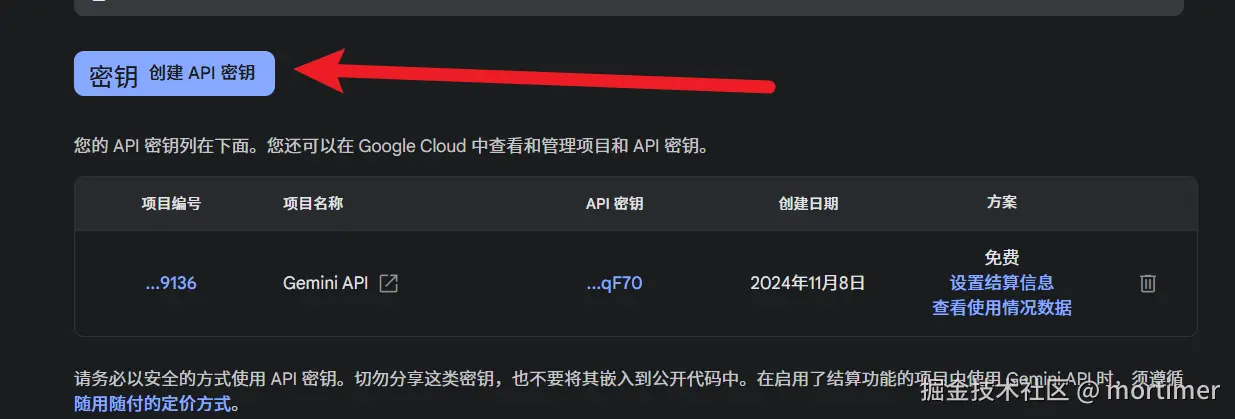
- Create API Key: Click the "Create Key" button.
- Copy API Key: Copy the automatically generated API Key.